How to Brief AI Product Photography: The Agency Method
Briefing AI product photography is not prompt-writing. It is the same discipline as briefing a photographer, translated into structured inputs a generative model can act on. At Absolutely AI we treat the brief as the deliverable before the deliverable, and it is the single biggest reason our output looks like editorial photography instead of AI slop. Here is the exact method.
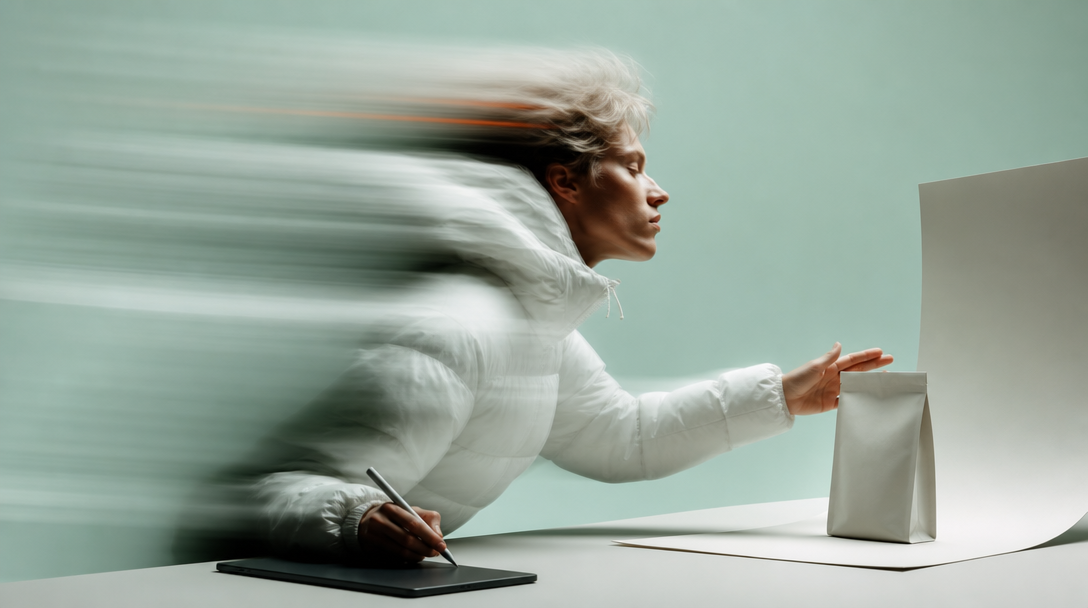
Briefing AI product photography is not prompt-writing. It is the same discipline as briefing a photographer, translated into structured inputs a generative model can act on. At Absolutely AI we treat the brief as the deliverable before the deliverable, and it is the single biggest reason our output looks like editorial product photography instead of AI slop. Here is the exact method.
Most teams fail here for the same reason: they open a model, type a sentence, and hope. A generative model, like a photographer, will fill every gap you leave. Vague inputs produce generic outputs. A structured brief closes those gaps before a single render, and it is what separates studio-grade work from the noise flooding the current tool landscape.
What Actually Goes Into an AI Product Photography Brief
A traditional brief tells a photographer what to shoot, where, and in what mood. An AI brief needs the same information, plus three additions that a human photographer would take for granted. First, aspect ratio must be locked at generation time, not cropped afterwards. Second, reference imagery has to be delivered as public HTTPS URLs so the model can ingest them. Third, negative constraints matter as much as positive direction, because a model will happily add a warped label or a sixth finger if you do not forbid it.
That structural shift is why AI briefs written by prompt engineers rarely produce brand-usable work, and why briefs written by creative directors almost always do. The underlying process rewards editorial thinking, not technical incantations.
The 8-Block Brief Template
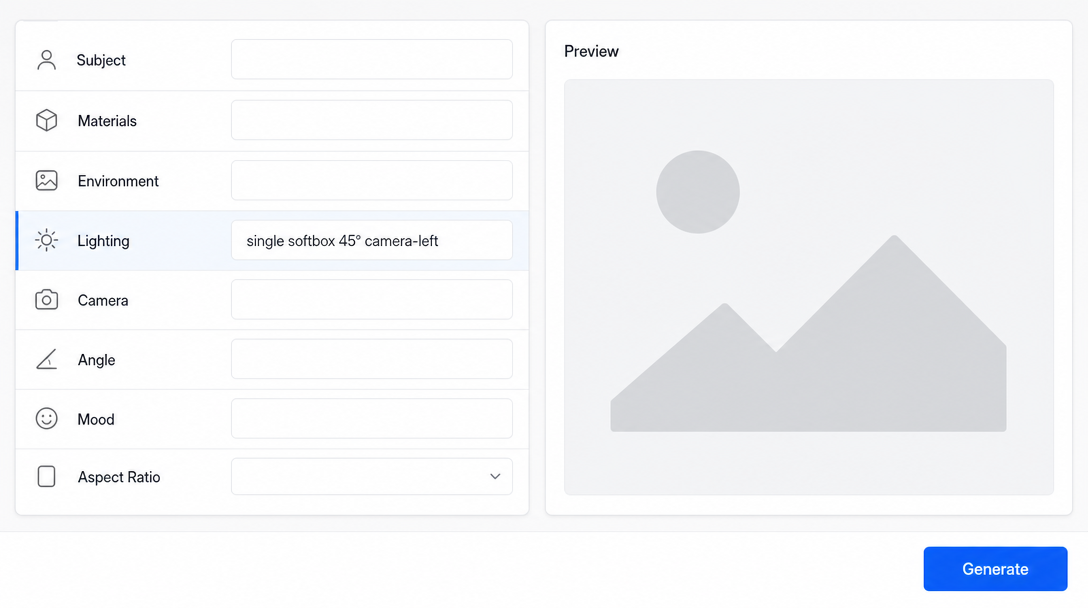
Every brief we write at the studio uses the same eight blocks. Copy this pattern and you will hit a usable result in three to six rounds instead of thirty. The blocks are: subject, materials and finish, environment, lighting, camera and lens, angle and framing, mood and story, aspect ratio. Fill each one in a single sentence, in that order.
A worked example on a ceramic mug looks like this:
- Subject: A single unbranded matte ceramic mug, cylindrical, 9cm tall.
- Materials and finish: Matte stoneware, natural clay speckle, unglazed rim.
- Environment: A raw linen tablecloth on a pale oak surface, near a window.
- Lighting: Single large softbox 45 degrees camera-left, gentle fill from a white bounce card camera-right.
- Camera and lens: Full frame, 85mm equivalent, f/4.
- Angle and framing: Three-quarter view, mug centred, generous negative space above.
- Mood and story: Quiet morning, editorial calm, subtle steam.
- Aspect ratio: 4:5 for catalogue.
That is a brief. It is also, notably, exactly what you would send a photographer if you were shooting the mug for real. The discipline transfers cleanly, which is why traditional creative teams often outperform prompt specialists once they learn how the two workflows compare.
Writing the Product Description
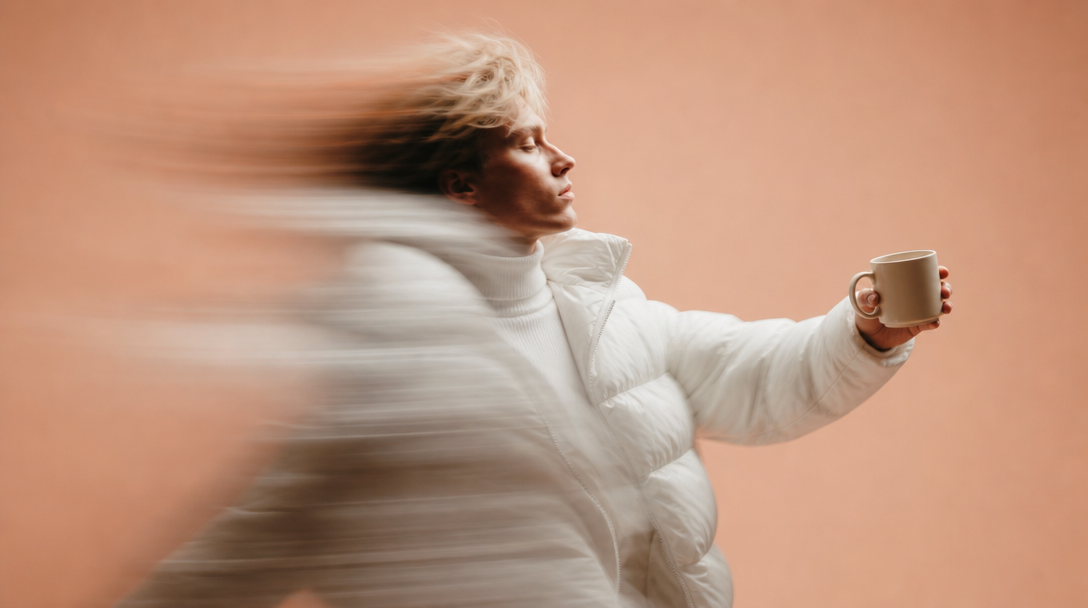
The product block is where most briefs quietly fail. Models cannot see your product, so they invent one. Give them the information a photographer would receive on set: material (matte, gloss, satin, brushed, anodised), scale reference (in centimetres or against a known object), and a colour naming convention. Plain-English colour names (bone, terracotta, forest) tend to render more reliably than Pantone codes, though hex values work when a model has been trained on them.
If your product has label copy, decide early whether the label will be added in post or rendered by the model. Model-rendered labels almost always warp on curved surfaces, and for regulated categories that is a compliance issue, not a stylistic one, as anyone briefing a supplements shoot quickly discovers.
Lighting Language That Models Respond To
The word 'studio lighting' means nothing to a model. It has seen a million captions using that phrase attached to a million different setups. What models do respond to is specific, renderable direction: single softbox 45 degrees camera-left, rim light from behind, golden-hour sidelight, hard overhead sun with deep shadows, catchlights in the subject's eyes.
The rule is simple. If a lighting director could physically set it up on a real shoot, a model can approximate it. If it is a vibe word, the model will pick a vibe for you. Treat brand-consistent lighting as a repeatable technical spec, not an aesthetic mood.
Reference Images: How Many, Hosted Where
References do more work than any other block in the brief. The question is not whether to use them, but what each reference is anchoring. In our template every reference is tagged as one of three things: style anchor (mood, palette, grain), product anchor (the actual object you are selling), or composition anchor (framing and negative space).
Two to four references per brief is usually the sweet spot. Fewer and the model drifts, more and it averages everything into mush. Host them as public HTTPS URLs on a stable CDN, because most models cannot ingest attachments and screenshots pasted into chat lose fidelity. The mechanics of ingestion are also where rights and IP considerations start mattering, so keep provenance of every reference documented.
Aspect Ratio and Deliverable Mapping
Aspect ratio is a generation-time decision, not a post-production one. Cropping a 1:1 render into 9:16 for Reels almost always destroys the composition, because the model composed for the frame it was told to fill. Brief every deliverable at its final ratio. A useful mapping table for most brands looks like this:
| Deliverable | Aspect ratio | Typical use |
|---|---|---|
| Hero banner | 16:9 | Homepage, above-the-fold web |
| Catalogue tile | 1:1 or 4:5 | PDP grid, Instagram feed |
| Lifestyle editorial | 3:2 or 4:5 | Email, editorial features |
| Vertical social | 9:16 | Reels, TikTok, Stories |
| Ingredient or detail | 1:1 | Zoom tiles, ingredient blocks |
Every one of those ratios needs its own brief. The subject, product and environment blocks may stay identical, but framing, angle and mood shift with the format, and shoehorning a hero composition into a 9:16 crop is how brands end up with social content that looks stretched and off-brand.
Negative Prompts and Brand Guardrails
Negative constraints tell the model what not to do, and they are where brand guardrails live. A useful negative block covers three categories: image-quality issues (warped text, extra fingers, melted features, artefacts on labels), competitor visual tropes (whatever your closest rival's shots look like), and brand-banned props (cluttered surfaces, specific colours, certain textures).
Every model handles negatives differently. Midjourney uses the --no flag, Flux prefers negative prompts written in sentence form, and Nano Banana / Gemini 2.5 Flash Image responds well to plain-English 'do not include' phrasing. Test each model against the same brief before committing a campaign to any one platform, and factor the differences into your production budget.
The Iteration Loop
A good brief lands a usable frame in three to six rounds, at roughly ten minutes per round. The single rule that governs the loop: change one variable at a time. If you swap the lighting, the environment and the angle simultaneously and the shot gets worse, you have learned nothing.
Version your briefs the way you would version design files. v1, v2, v3, with a one-line note on what changed. That paper trail is what turns AI product photography from a lottery into a repeatable production process, and it is the backbone of every commercial campaign we ship.
Three Filled Examples
The same 8-block template flexes to any product category. A skincare hero brief centres on soft daylight, matte glass, a marble ledge, and a 4:5 crop with the bottle offset to the right third. A food product lifestyle brief calls for hard overhead sun, a linen napkin, hands in soft focus at the frame edge, and a 3:2 editorial ratio. A tech gadget on-white brief specifies a seamless white cyclorama, a large softbox top-left, a 45-degree hero angle, and a 1:1 catalogue crop. Each brief takes ten minutes to write and saves hours of regeneration downstream.
Common Brief Mistakes That Produce AI Slop
Five failure patterns show up in almost every rejected brief we audit. Vibe words instead of renderable lighting. Missing aspect ratio, forcing later crops. Reference images pasted as screenshots instead of URLs. No negative constraints, so competitor tropes leak through. And changing five variables per iteration, so no signal survives the loop. Fix those five and your hit rate on the first render climbs from roughly one in twenty to one in three.
Frequently Asked Questions
How long should an AI product photography brief be?
One page. Eight blocks, one sentence each, plus two to four reference URLs and a negative list. Longer briefs do not improve output, they just give the model more contradictory signal to reconcile.
Do I need different briefs for Midjourney, Flux and Nano Banana?
The core eight blocks stay identical across models. What changes is the negative-prompt syntax and how each model interprets lens and lighting language. Write one master brief, then port it to each model with syntax adjustments.
How many reference images should I attach?
Two to four. One style anchor, one product anchor, optionally one composition anchor. More than four dilutes the signal and pulls the render toward an average.
Should the model render the product label or should I composite it in post?
Composite in post for any product where label accuracy matters, especially regulated categories like supplements, alcohol or cosmetics. Model-rendered labels warp on curved surfaces and rarely survive legal review.
What aspect ratio should I generate at?
The final delivery ratio. Cropping down from a larger render almost always destroys the composition. Brief every deliverable at its native ratio, even if that means running the same brief three times.
How many rounds should a brief take to land?
Three to six rounds at roughly ten minutes per round. If you are past ten rounds without a usable frame, the brief is broken, not the model.
Can I reuse a brief across a whole product range?
Yes, and you should. Lock the environment, lighting, camera and mood blocks as a house style, then swap only the subject and materials blocks per SKU. That is how brands build a consistent visual system across hundreds of shots.
Do I still need a creative director if I have a good brief template?
The template does the mechanical work. Judgement on what looks brand-right, what feels editorial, and when to break the pattern still lives with a creative director. The template just makes their time count.
Conclusion
A good AI brief is boring to read and expensive to skip. It is the same discipline that made great traditional product photography possible, ported into a format a model can act on. Get the eight blocks right, host your references properly, lock your ratio at generation time, and iterate one variable at a time, and you will produce work that reads as editorial rather than generative. If you would rather hand the whole process to a team that briefs this way by default, Absolutely AI runs the full pipeline from brief to final delivery.