How to Brief AI Brand Photography for Lifestyle Campaigns
A great AI brand photography brief is the single biggest lever you have over the final image. Get it right and every render lands on the same brand codes, palette and mood as your best campaign work. Get it wrong and you burn rounds fixing casting, wardrobe and light. At Absolutely AI we run this exact template with every lifestyle client, and it works whether you brief us or your in-house team.
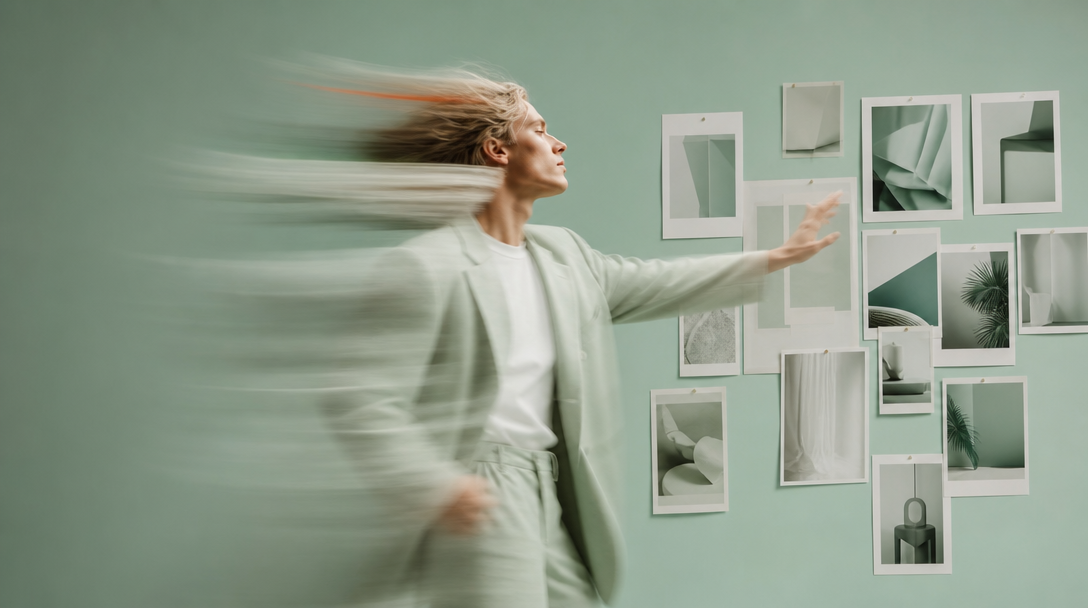
Briefing an AI creative team for lifestyle photography is not the same job as briefing a photographer with a call sheet. There is no location scout, no talent day rate and no post-production overhead, but there is still a casting decision, a wardrobe decision and a lighting decision, and every one of them has to be written down. At Absolutely AI we treat the brief as the shoot itself: the more precisely the document names the brand codes, the closer round one lands to sign-off.
This guide is the template we hand to every lifestyle client, and to internal teams that want to run the process themselves. It is written for people who already have a brand book, a rough concept and an approval chain, and now need to turn all of that into an AI-ready brief that produces on-brand people-in-scene imagery. Not product-on-white, not surreal experiments, actual campaign photography.
Why an AI brand brief works differently to a traditional shoot
The variables you can spend a brief on have changed. In a traditional shoot, most of the document is logistics: location, permits, casting agencies, call times, catering, backup plans for weather. In an AI shoot, those lines disappear. What replaces them is specificity around the frame itself: exactly which face, exactly which wardrobe piece, exactly which quality of light. A traditional brief can afford to say "warm, natural, aspirational" because the DP will interpret it on the day. An AI brief cannot: the model interprets literally, and vague adjectives collapse into stock imagery.
What stays the same is the strategic layer. Brand codes, casting logic, product truth, tone of voice, art direction principles: all of that still has to be defined before you write a single prompt. The difference between an AI and a traditional lifestyle shoot is not that one skips creative direction, it is that the direction has to be written down earlier and tighter, because there is no set for a stylist or DP to catch the difference in.
The seven-part AI brand photography brief
Every brief we accept has these seven sections in this order. They mirror the way most brand guideline documents are structured, which makes translation from an existing brand book straightforward.
- Product or service. What the thing is, what it does, what it looks like in the customer's hand or life. Include product truth, not marketing copy.
- Audience. Age band, life stage, aspirations, wardrobe language, the environments they actually live in. Not a persona document, one paragraph of specifics.
- Visual direction. Lighting, palette, film stock reference, lens language, composition rules. The four-layer breakdown below fits here.
- Key messages. The three to five things every image has to communicate at a glance. If a message needs a caption, it does not belong here.
- Deliverables and aspect ratios. Hero, vertical social, horizontal web, storyboard frames, quantities of each.
- Restrictions. Competitor codes to avoid, colours the brand does not use, poses or moments that would feel off, casting the brand has explicitly ruled out.
- Reference assets. Anchor images, mood images and avoid images, labelled by role, not thrown in as one folder.
Translating brand guidelines into prompt language
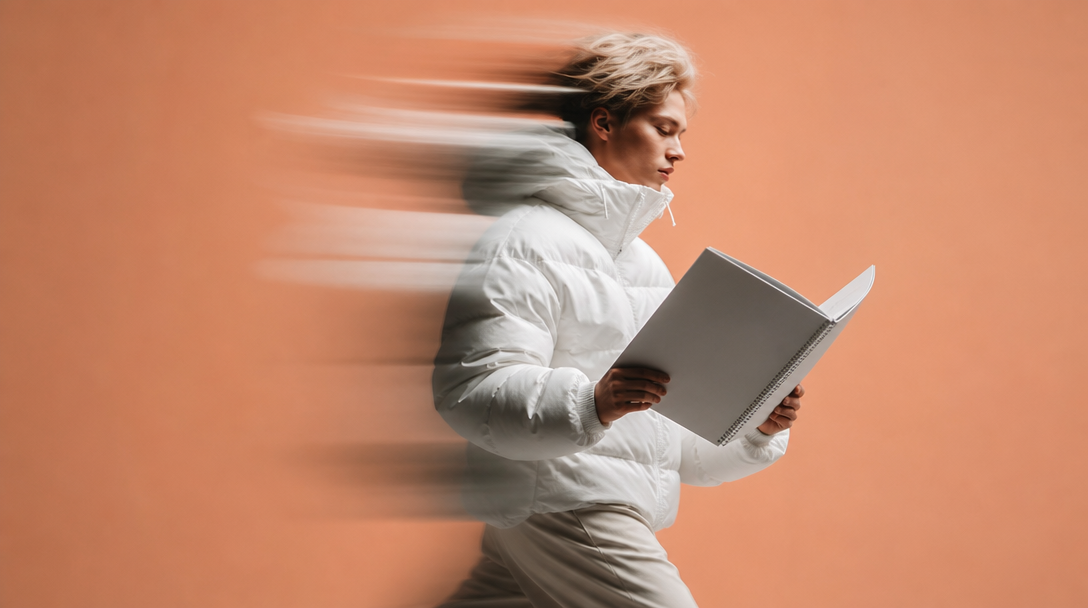
Most brand books are written for humans reading a PDF, not for a diffusion model reading a prompt. Translation is the step almost everyone skips. Hex codes have to become named colours in a language the model recognises: #E8D5C4 is not "warm beige" to the model, it is "soft sand", "milky peach" or "unbleached linen" depending on how you want it rendered. Tone-of-voice rules like "quiet confidence" have to become posture, gaze direction and framing decisions.
We structure every prompt as four layers so nothing gets lost in translation. Subject: who the person is, their expression, their action. Environment: the specific room, street or landscape, described by materials and time of day. Camera: lens (50mm or 85mm most often), aperture (f/2.8 for shallow lifestyle work) and shot type. Lighting: film stock reference like Kodak Portra 400, direction of light, quality (soft, hard, wraparound). If a brand principle cannot be expressed in one of those four layers, it belongs in the visual direction section, not the prompt.
Briefing lifestyle: casting, wardrobe and the moment
Lifestyle imagery is where most AI briefs fall apart, because most templates online are written for product photography. A product brief can lean on the object doing the work. A lifestyle brief has to name the person, the wardrobe, the moment and the emotion, and it has to name them consistently across the campaign so the same brand world appears in every frame.
Casting notes should read like a wardrobe stylist's tear sheet: age band ("early thirties"), physicality ("relaxed, unposed"), hair and skin ("sun-warmed, natural texture"), and one line of character ("someone who has done this a hundred times before"). Wardrobe should name the pieces, not just the palette: "cream oversized knit, unstructured linen trouser, no visible logos". Location should name materials: "warm oak floor, plaster wall, morning window light". Then the moment: what has just happened, what is about to happen, what the person is feeling. This is the difference between an image that looks like a stock shoot and one that reads as AI lifestyle photography with real editorial weight.
Reference images: anchor, mood and avoid
Three to six references is the working range. Fewer than three and the model has no direction, more than six and the outputs blur into a generic average. Every reference should be labelled by role. Anchor references are two or three images that show the exact framing, lighting and mood you want the model to lock onto. Mood references are one or two that show the emotional register without dictating composition. Avoid references are one or two examples of what the output must not look like: competitor aesthetics, dated stock language, wrong colour temperature. Labelling matters more than the images themselves.
Deliverables and aspect ratios
Every deliverable should be spec'd with its aspect ratio, its use case and its quantity. Vagueness here creates the biggest downstream cost, because reformatting a hero into a story frame after the fact is a full reshoot in AI, not a crop.
| Deliverable | Aspect ratio | Use |
|---|---|---|
| Website hero | 16:9 | Homepage and campaign landing pages |
| Vertical social | 9:16 | Reels, Stories, TikTok, Shorts |
| Feed post | 4:5 | Instagram feed, Pinterest |
| Square | 1:1 | Grid, ads, thumbnails |
| Storyboard frame | 16:9 | Video pre-viz, motion extension |
Brief each aspect ratio as its own shot, not as a crop of the hero. The model composes differently at 9:16 than it does at 16:9, and pretending otherwise wastes rounds. If you are running the process yourself and want a worked cost breakdown per deliverable and round, we have published one.
The feedback loop and sign-off
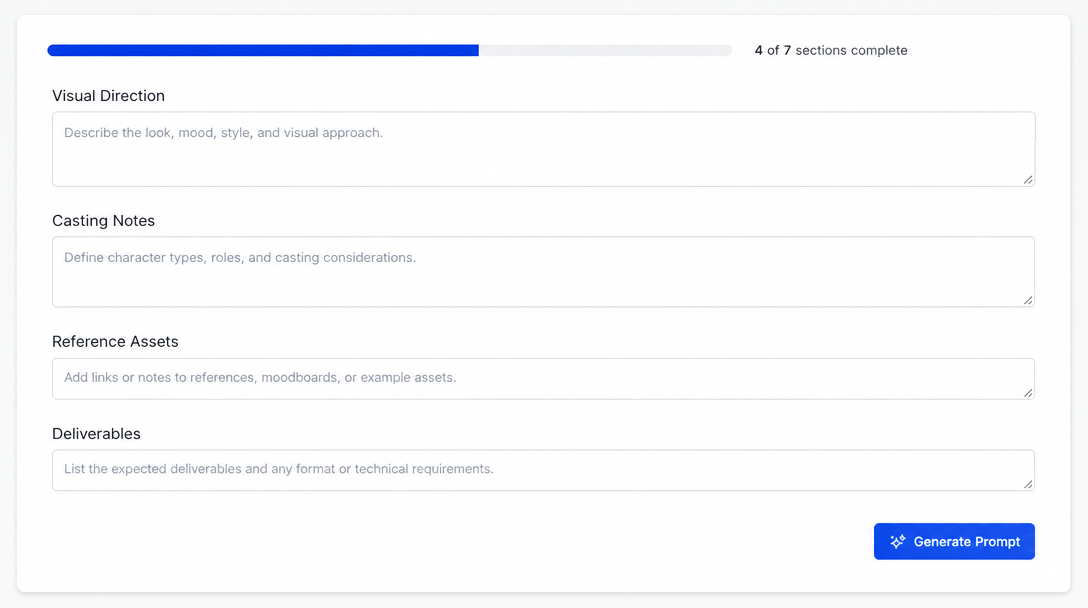
Round one is a temperature check, not a delivery. Ten to twenty frames per shot direction is normal. Your job in round one is to identify the two or three frames closest to the brief and write specific direction on what to hold and what to change. Language like "hold the wardrobe and light, reframe wider, softer expression" is how round two lands quickly. Language like "make it more premium" wastes a round.
Rerolling versus editing is the other decision that separates fast projects from slow ones. Reroll when the composition, casting or environment is wrong, because the model needs to start from scratch. Edit (inpaint, upscale, retouch) when the frame is right but a hand, a logo or a piece of wardrobe needs fixing. The sign-off checklist we use is short: brand codes present, no accidental logos, aspect ratio correct, hands and eyes clean, wardrobe and casting consistent across the set, safe for the intended channel.
Briefing an agency versus running it yourself
The line between what the brand hands over and what the agency owns is the most common source of friction. In short: the brand owns the strategic brief (the seven sections above, the brand book, the references, the sign-off). The agency owns the prompt engineering, the model choice, the reroll-versus-edit calls, the consistency work across the set, and the delivery in the right formats. If you are running the process in-house, you own both halves, which is fine but roughly triples the time to sign-off in our experience.
Most brands that come to us have already tried the in-house route once. The pattern is the same: the strategic brief is strong, the prompt translation is where it breaks. If you want a sense of what a full agency-led campaign looks like end-to-end, our gallery of AI lifestyle photography examples is the fastest read.
Frequently Asked Questions
What should an AI brand photography brief include?
Seven sections: product or service, audience, visual direction (with the four-layer prompt breakdown), key messages, deliverables and aspect ratios, restrictions, and labelled reference assets. Every section should be specific enough that a stranger reading it could brief the model without you in the room.
How is an AI brief different from a normal creative brief?
Logistics disappear (no location, no call sheet, no talent day rate) and specificity replaces them. Vague adjectives that a photographer would interpret on the day collapse into stock imagery when a model reads them. Everything strategic still applies, everything ambient has to be written down.
How many reference images should I include?
Three to six is the working range, labelled by role. Two or three anchor references (composition and light), one or two mood references (emotion), one or two avoid references (what not to look like). More than six blurs the direction, fewer than three leaves the model unanchored.
Can AI replace a brand photographer for lifestyle work?
For most brand-owned channels (web, social, always-on campaign) yes, when the brief is tight. For hero campaigns tied to a real ambassador or a location the brand needs to actually own, no. The realistic split most brands land on is AI for volume and iteration, traditional for tentpole moments.
Bringing it all together
A tight brief is the difference between an AI shoot that lands on brand in two rounds and one that never quite gets there. Treat the seven-section template as the deliverable, translate your brand book into the four-layer prompt structure, label your references, and write direction that names what to hold and what to change. If you want a creative team to run the process with you, Absolutely AI's lifestyle imagery service works from exactly the template above.