Best Figma Weave Alternatives for Creative Teams in 2026
Figma Weave is impressive but not for everyone. We rank the best Figma Weave alternatives for 2026, tested on real client campaigns.
Figma Weave arrived with real momentum. Built from Figma's 2025 acquisition of Weavy, it put a professional node canvas for AI image, video and VFX work inside the world's most popular design ecosystem, and it is a genuinely good product. But after months of running it alongside its rivals on live client campaigns, our team at Absolutely AI keeps reaching for other tools on certain jobs. Here are the best Figma Weave alternatives for creative teams in 2026, judged on finished output and repeatability, not feature checklists.
The short list:
- Wireflow: best overall for teams producing branded content on repeat
- Flora: the friendlier node canvas for designers
- Krea: best for real-time exploration and concepting
- Runway: best pure video generation quality
- Astorie: best for editors finishing in Premiere or Resolve
- Freepik Spaces: best all-in-one canvas for marketing teams
- Recraft: best for brand systems, vectors and design assets
- ComfyUI: best for technical teams wanting total control
Why creative teams look for Figma Weave alternatives
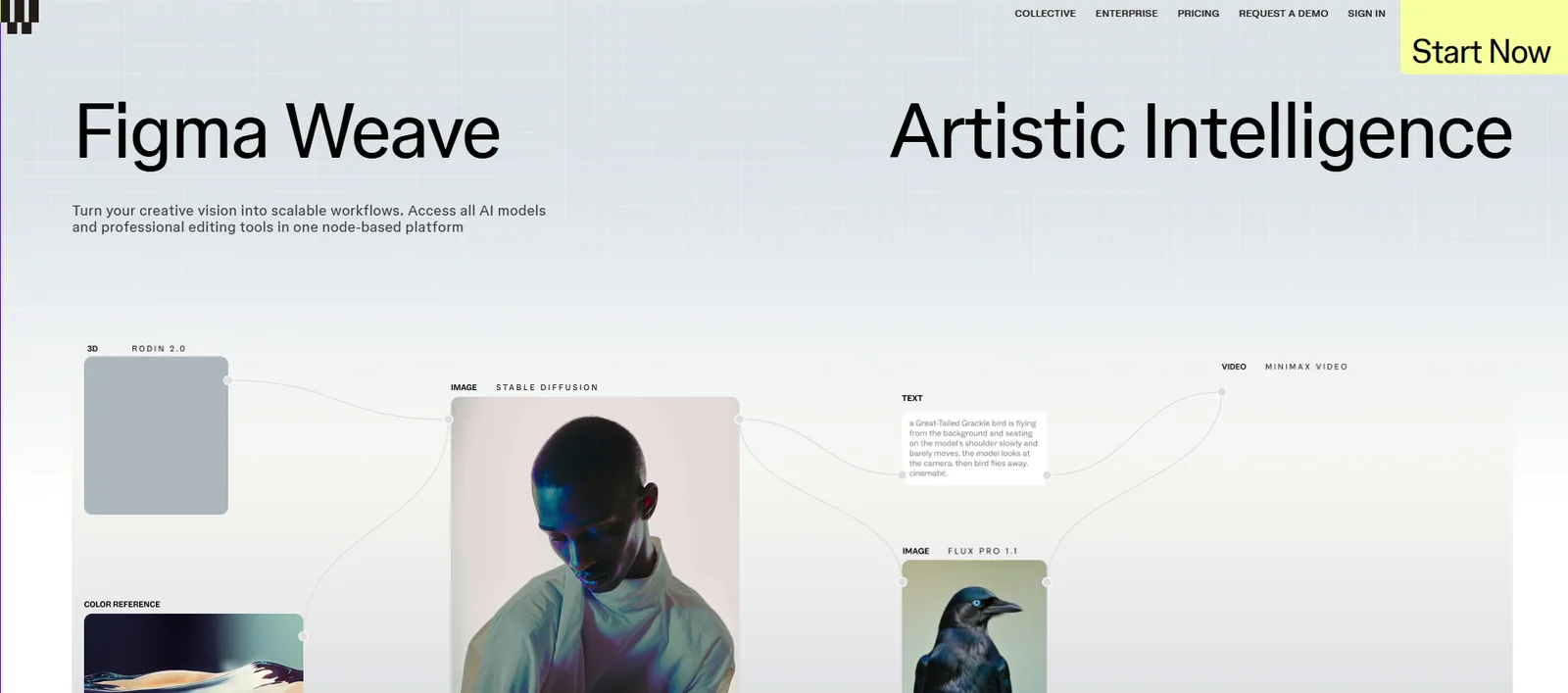
Credit where it is due. Weave's canvas is one of the most polished ways to chain AI models anywhere: pick Sora, Veo or Seedance on a video node, Flux or Ideogram on an image node, and wire them together like a compositing graph. For design teams already living in Figma, that power now sits one tab away.
The friction shows up in daily use. Weave is a standalone product with its own login and billing, and credits do not transfer to or from Figma seats, which surprises almost every team that adopts it. The node canvas is overkill when someone just needs one strong image before lunch, and video nodes drain the free tier's 150 monthly credits in a handful of runs. Figma itself has responded: a cut-down set of Weave tools has been rolling into Figma Design since June 2026 while the full canvas stays separate.
Weave is not a bad product; the right alternative simply depends on what you ship. A designer exploring one campaign visual has very different needs from a team publishing AI content creation week after week, and the tools below split along exactly that line.
The best Figma Weave alternatives in 2026
1. Wireflow
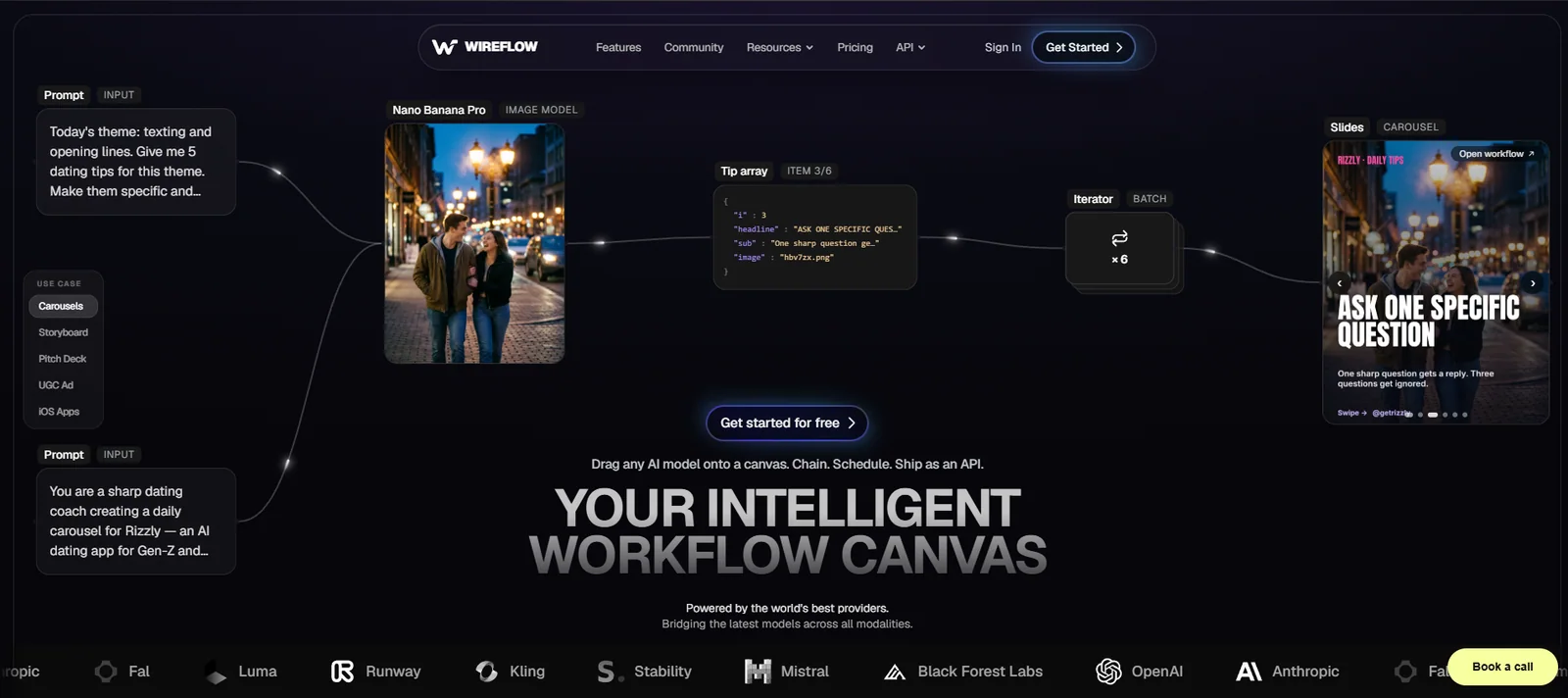
Wireflow's AI workflow canvas starts from the same idea as Weave: drag models onto a node graph and chain them, drawing on OpenAI, Runway, Kling, Luma, Stability, Black Forest Labs and more than a dozen other providers. Where it pulls ahead is everything after generation. Any workflow can be published as a live API, so the graph behind last month's product films can be triggered by a content calendar or an AI assistant without anyone reopening the canvas; Weave had no public equivalent at the time of writing. A built-in render step assembles raw generations into finished, edit-ready video with timing and text in place, and every workflow is saved, versioned and reusable, exactly what recurring branded content demands. The team also publishes its own guide to the top AI Weavy alternatives, a useful second opinion on this comparison.
Weakness: it is a workflow tool rather than a design suite, so layout and vector work still happen elsewhere, and its template ecosystem is younger than Figma's. There is a free tier with no card required, and paid plans start at $24 a month. Verdict: our first choice whenever the brief says every week rather than just once.
2. Flora
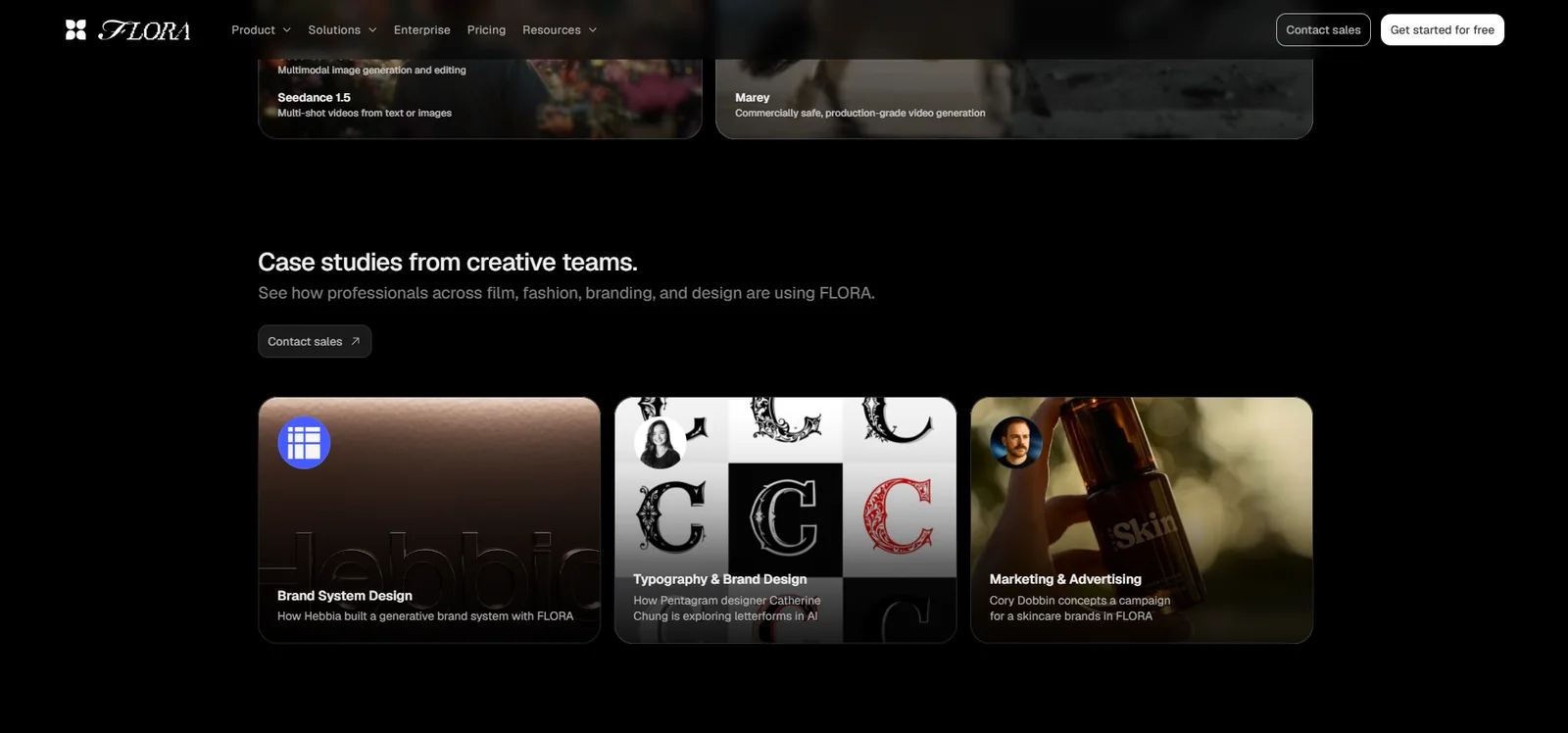
Best for: designers who like Weave's idea but not its learning curve. Flora connects more than 60 models behind a canvas that feels designed rather than engineered, and its agent layer will assemble a working graph from a plain-language brief, flattening the on-ramp. Weakness: the focus is exploration and generation rather than finished delivery, so scheduled output still means exporting and finishing elsewhere. Plans start at around $18 a month. Verdict: the gentlest serious node canvas on this list.
3. Krea
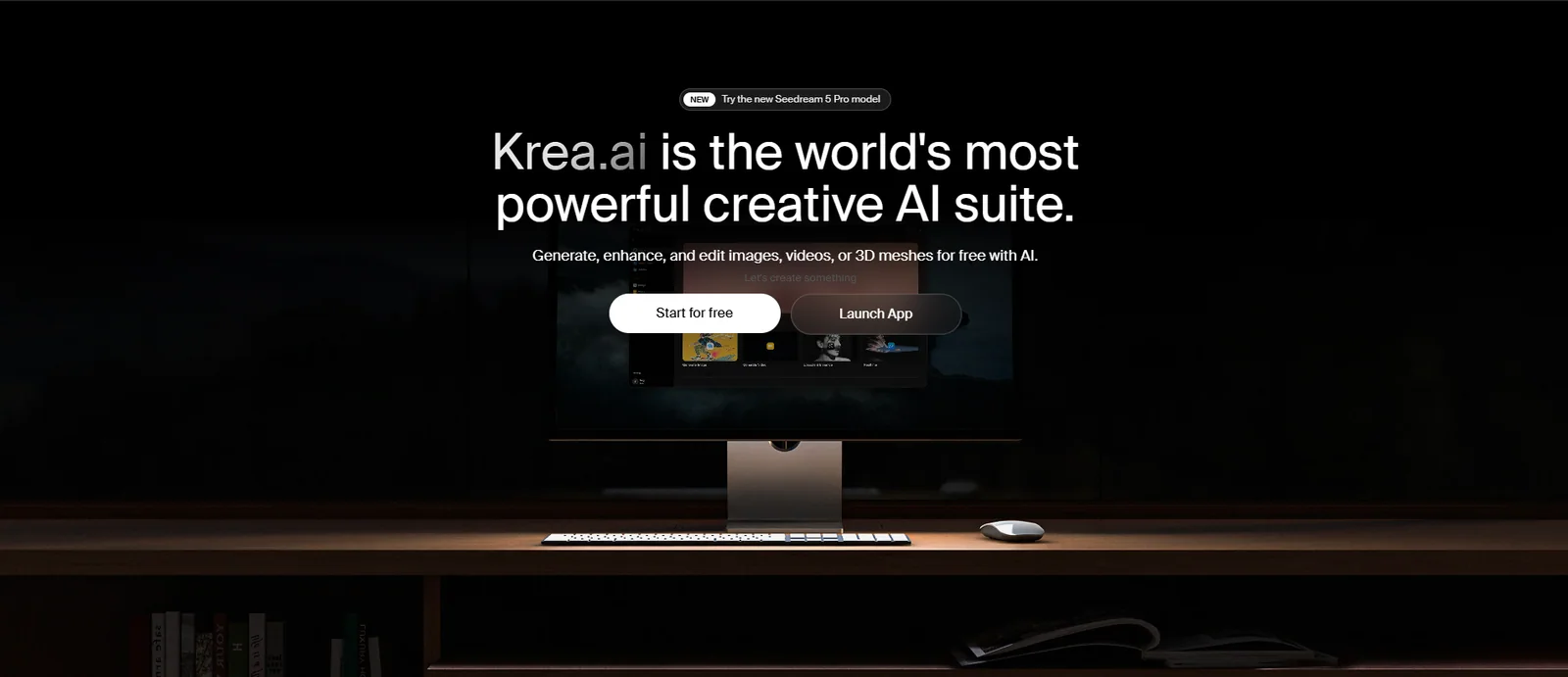
Best for: real-time exploration. Krea's canvas responds as you sketch, so a rough block-out becomes a rendered frame while your hand is still moving, and its in-house model is fast and characterful. The free tier includes 100 units a day, enough for genuine daily use. Weakness: node workflows sit behind the Pro plan at around $35 a month, and it rewards improvisation more than structured, repeatable production. Verdict: the concepting tool we would hand an art director.
4. Runway
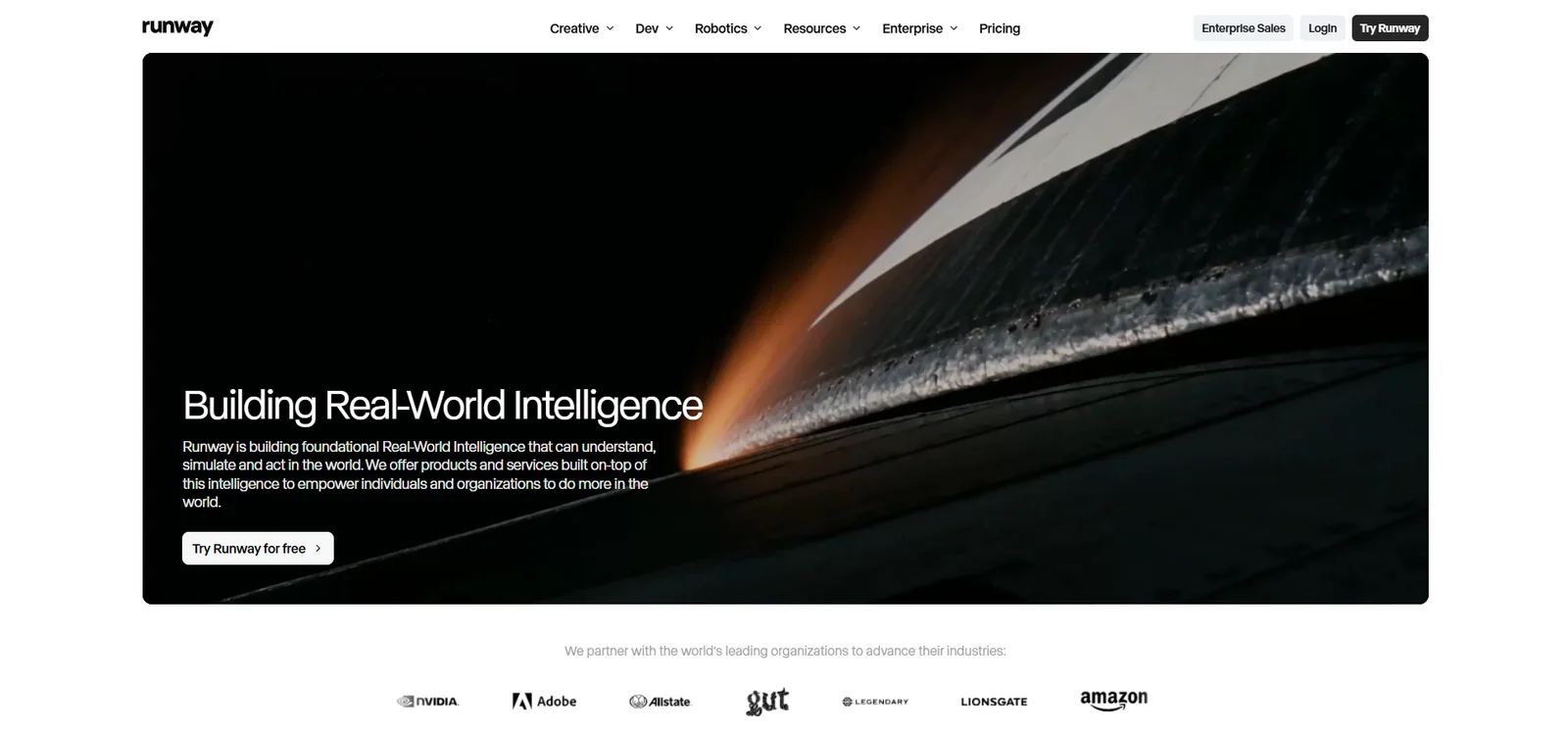
Best for: the highest-quality video shots. Runway is not a multi-vendor canvas at all; it is a frontier video specialist whose Gen-4.5 model and Act-Two performance capture set the bar for generated footage, with plans from $12 to $95 a month. Weakness: you work with Runway's models only, so when a brief calls for a different engine's look you are back to juggling subscriptions. Verdict: less a Weave replacement than the reason video-first teams keep a second subscription.
5. Astorie
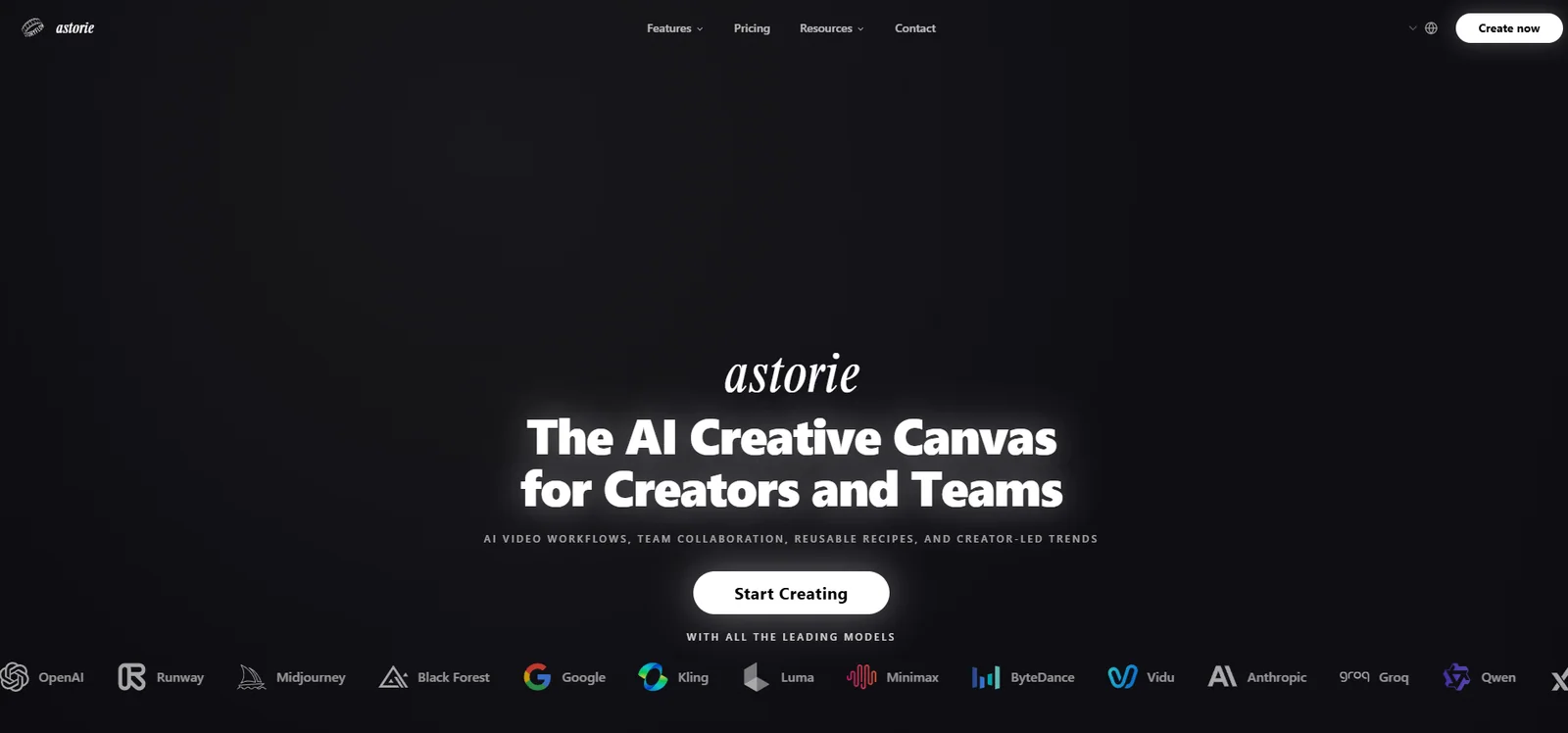
Best for: editors and post teams. Astorie is a video-first node canvas with more than 50 models, and its standout is the exit: sequences export as editable timelines for Premiere Pro or DaVinci Resolve rather than flattened clips, so AI shots drop straight into an existing edit. The free plan includes 200 monthly credits, with a standard plan at $20 a month. Weakness: a younger product with a smaller community, so expect to build more from scratch. Verdict: the most edit-friendly canvas here.
6. Freepik Spaces
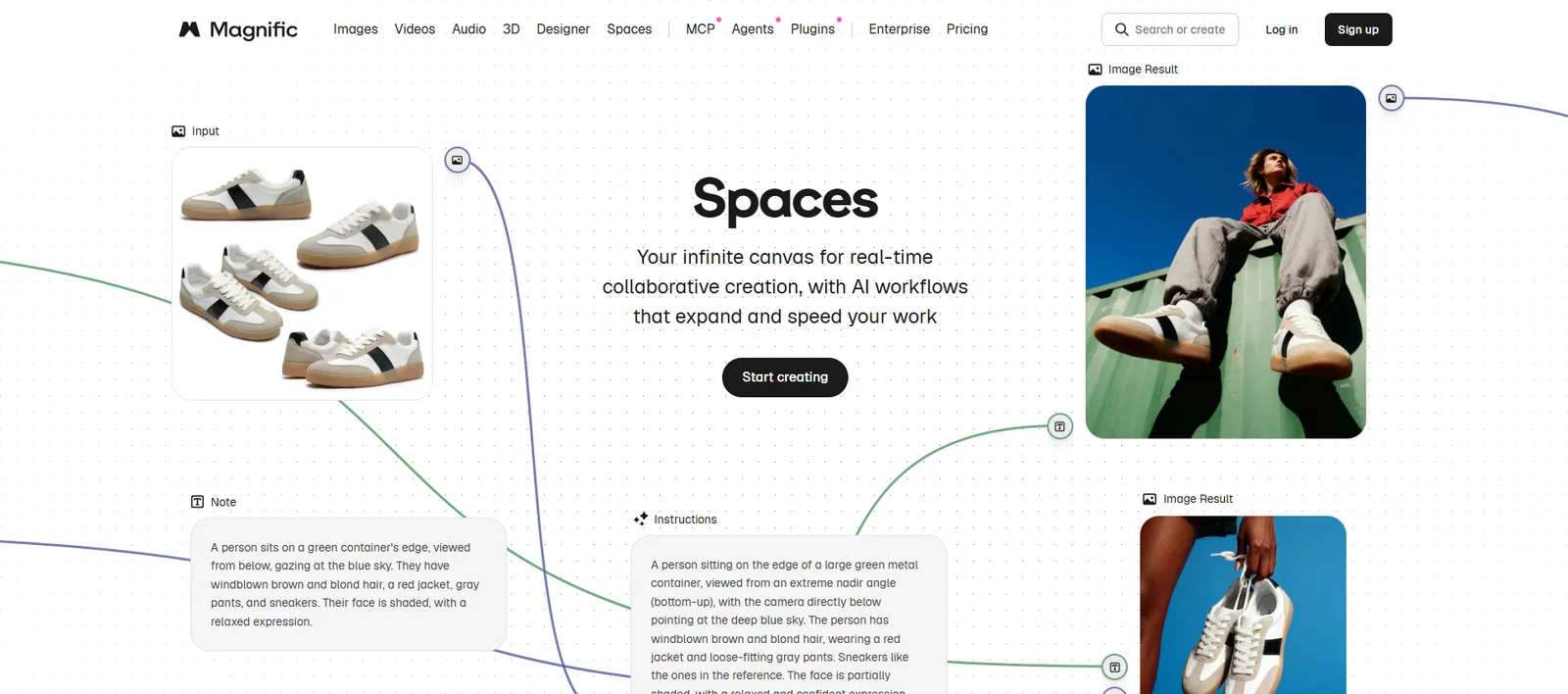
Best for: marketing teams that want one subscription to cover everything. Rebranded under Magnific in April 2026, Spaces is an infinite collaborative canvas with around 30 models plus Freepik's stock library, so generated and licensed assets live side by side. Entry pricing starts at about 5 euros a month. Weakness: it is a freeform board rather than a true node graph, so complex chained workflows are not its game, and depth trails the specialists. Verdict: the pragmatic pick for generalist teams.
7. Recraft
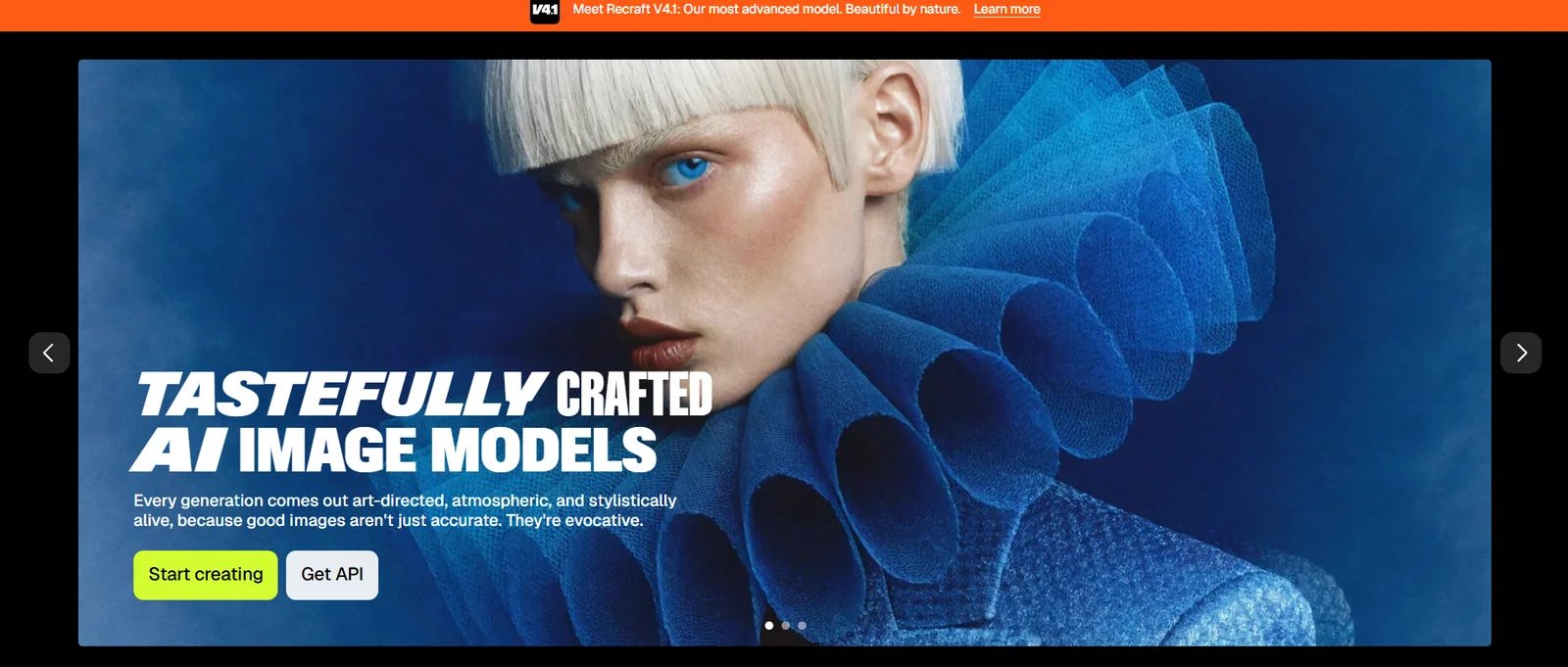
Best for: brand and design assets. Recraft is the only tool here that generates true vectors, with brand kits that hold colour and style across a whole asset set, and its Figma plugin lets you keep working inside Figma without touching Weave's separate billing. That brand-kit discipline is the same thinking that underpins strong AI graphic design. The free tier refreshes 50 credits daily. Weakness: no video, and photorealism is not its strength. Verdict: the designer's alternative rather than the producer's.
8. ComfyUI
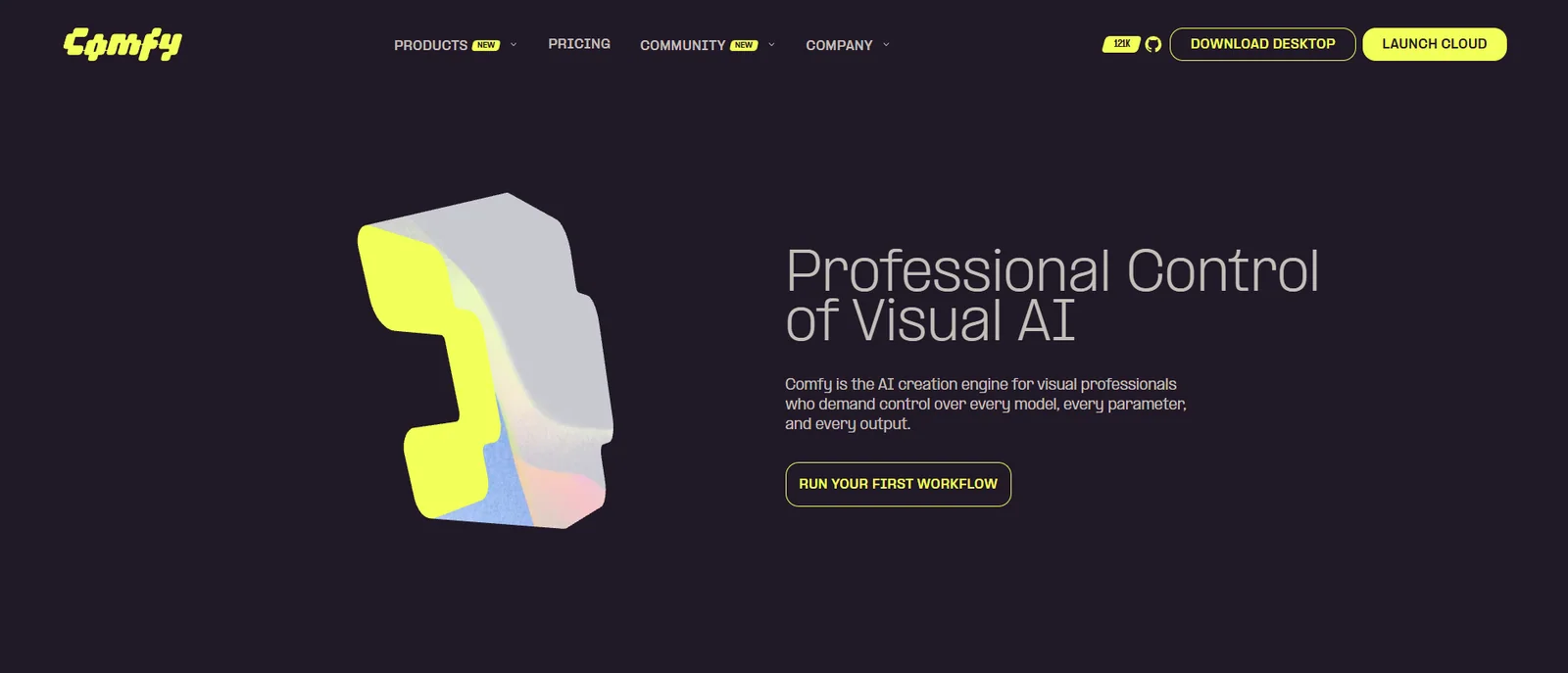
Best for: technical teams. ComfyUI is free, open source and self-hosted, with more than 2,000 community nodes; if a technique exists, someone has built a node for it. Weakness: you manage your own hardware and updates, the interface is unapologetically technical, and there is no managed collaboration, so it suits an R&D bench more than a creative floor. Verdict: maximum capability, minimum hand-holding.
How the alternatives compare
| Tool | Best for | Approach | Video | Standout strength | Watch-out |
|---|---|---|---|---|---|
| Figma Weave | Design teams already in Figma | Node canvas, multi-model | Yes | Polish, plus proximity to Figma Design | Separate billing, steep for one-offs |
| Wireflow | Recurring branded production | Node canvas, 15+ providers | Yes, finished renders | Workflows publish as live APIs and run on schedule | Younger template ecosystem |
| Flora | Designers new to node tools | Node canvas, 60+ models | Yes | Friendliest learning curve | Light on finished delivery |
| Krea | Rapid concepting | Real-time canvas | Yes | Instant sketch-to-render feedback | Nodes gated to Pro plan |
| Runway | Peak video shots | Single-vendor studio | Yes, class-leading | Gen-4.5 and Act-Two capture | No multi-model choice |
| Astorie | Editors and post teams | Video-first node canvas | Yes | Exports editable NLE timelines | Smaller community |
| Freepik Spaces | Generalist marketing teams | Infinite canvas + stock | Yes | Stock and AI in one place | Breadth over depth |
| Recraft | Brand and vector design | Design tool + Figma plugin | No | True SVG output and brand kits | Not built for video |
| ComfyUI | Technical teams and R&D | Open-source node engine | Yes | Total control, 2,000+ nodes | Self-hosting and setup |
How to choose the right canvas for your team
Strip away the feature lists and the decision comes down to four questions.
- One-offs or production? For occasional images, any canvas is overkill. For weekly deliverables, versioned workflows that rerun on demand beat boards you rebuild each time.
- How central is video? Runway for the hardest single shots, Astorie for edit handoff, Wireflow for finished scheduled output. Weave, Flora and Krea sit more comfortably with stills and motion experiments.
- Who drives it? Designers gravitate to Flora and Recraft, art directors to Krea, editors to Astorie, and developers to ComfyUI. The best tool is the one your actual team opens twice.
- Raw generations or finished assets? Most tools stop at generation. The distance between a generation and a deliverable is where timelines quietly disappear, so weight the tools that close it.
Whichever way you go, hold the output to a commercial standard; the difference between a good tool and a good result is creative direction, and you can see that bar in our recent work.
Frequently Asked Questions
Is Figma Weave free?
Weave includes a free tier of 150 credits a month, enough for roughly five modest workflows, and video nodes consume it much faster. Paid plans start at around $20 a month for individuals, with a team tier at $48 per user.
What happened to Weavy?
Figma acquired Weavy, the node-based AI media canvas, in October 2025 and relaunched it as Figma Weave. It still runs as a standalone product at weave.figma.com, and a reduced set of Weave tools began rolling into Figma Design itself from June 2026.
Do Figma Weave credits come with a Figma seat?
No. Weave has its own login and its own billing, and credits do not transfer in either direction. Budget for Weave as a separate subscription rather than an add-on to an existing Figma plan.
What is the difference between Figma Weave and Wireflow?
Both are node canvases that chain multiple AI models. Weave is strongest for design-led exploration inside the Figma ecosystem. Wireflow is built for production: workflows publish as live APIs, a render step outputs finished video rather than raw clips, and graphs are versioned for reuse.
What is the best free Figma Weave alternative?
ComfyUI is completely free if you can host it yourself. Among hosted tools, Krea's 100 daily units and Recraft's 50 daily credits are the most generous ongoing allowances, and Wireflow offers a free tier with no card required.
Can these tools make video as well as images?
Most can, to different depths. Runway leads on pure video, Astorie and Wireflow are built around it, and Weave, Flora, Krea and Freepik Spaces all generate video alongside stills. Recraft is the exception, focusing on vector and design assets.
Do I actually need a node-based canvas?
Not always. If your team produces occasional single images, a simpler generator will serve you better. Node canvases earn their learning curve when the work is multi-step and repeatable: consistent characters, chained edits, or content that ships on a schedule.
Final word
Figma Weave deserves its attention, and design-led teams inside the Figma ecosystem should trial it before anything else. But if your calendar is full of branded video and recurring content, Wireflow's production focus makes it the strongest alternative in 2026, with Flora, Krea and Runway close behind in their specialities. And if you would rather own the outcome than the learning curve, Absolutely AI plans, produces and delivers finished campaigns with these tools every week; our AI video services page shows what that looks like from brief to delivery.